Callnovo

healthtech

Patient Trust Breaks When Your Platform Can't Answer

AI and live agents handle patient onboarding, device pairing and portal access across voice, chat and email; clinical questions and integration work go to your own clinical and engineering teams.

Smiling female doctor in scrubs with tablet and stethoscope, writing notes.

how it plays out

Real contacts, minute by minute.

Phone English

“I can’t sync my blood glucose monitor with your app”

Medical device connectivity failure

  1. Agent verifies patient identity using your authentication rules
  2. Checks device compatibility and Bluetooth firmware version
  3. Walks patient through re-pairing sequence and confirms data sync
  4. Confirms readings are uploading, without interpreting them
Device synced patient data flowing to care team
Web Chat Korean

“My telehealth appointment keeps freezing during the video call”

Video consultation quality issue

  1. AI runs connection quality diagnostic and checks platform status
  2. Identifies bandwidth bottleneck on patient side and suggests optimizations
  3. Offers to switch to audio-only mode to maintain the consultation
  4. Reschedules if needed and sends pre-appointment connectivity checklist
Resolved automatically consultation completed
SMS Spanish

“I need to download my lab results but the portal says access denied”

Patient portal access failure for medical records

  1. AI verifies identity with multi-factor authentication
  2. Identifies expired portal session token and generates new secure link
  3. Confirms patient can open the portal — questions about the results go to the care team
  4. Sends reminder about portal password expiration policy for future access
Instant resolution records access restored
Email Mandarin

“Our clinic needs to integrate your EHR API with our scheduling system”

Integration requests belong to your engineering team.

  1. AI identifies the clinic account
  2. Collects the clinic’s systems, contacts and timeline
  3. Routes the request to your integration team with that context
  4. Confirms to the clinic who will follow up
Request routed handed to your integration team

the team behind it

Faces, not a queue.

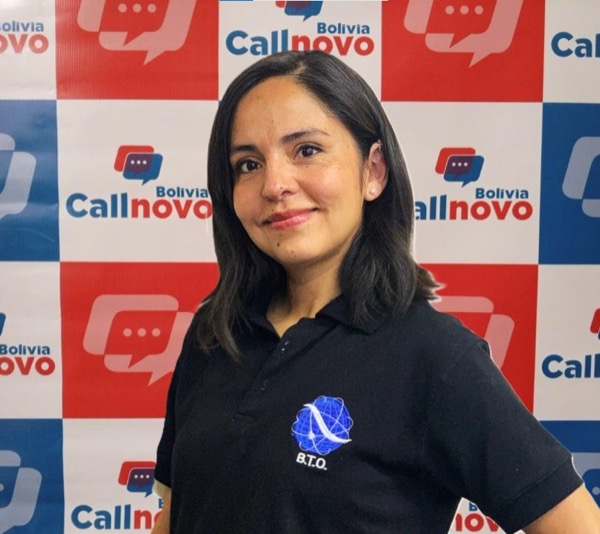
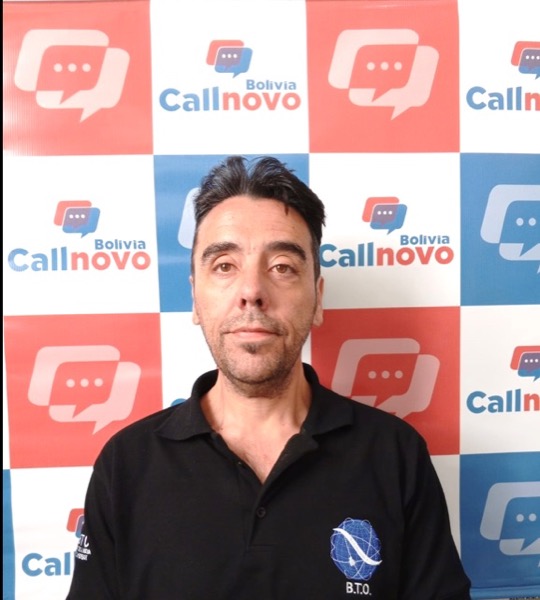
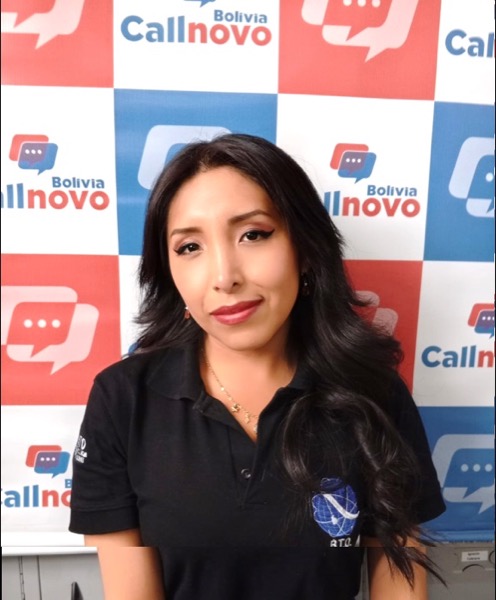
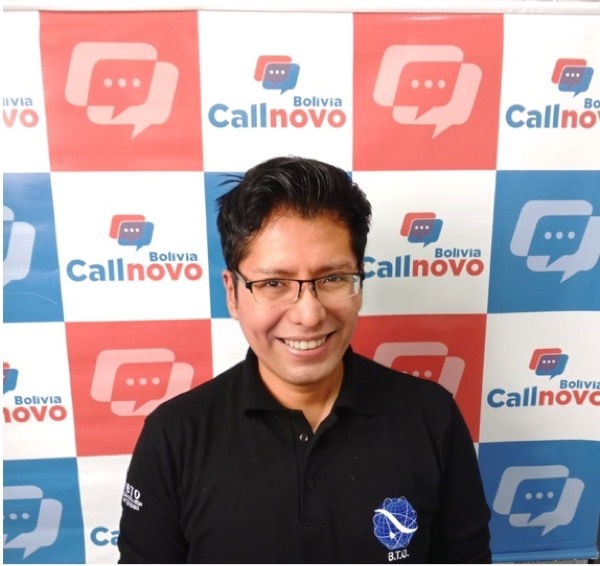
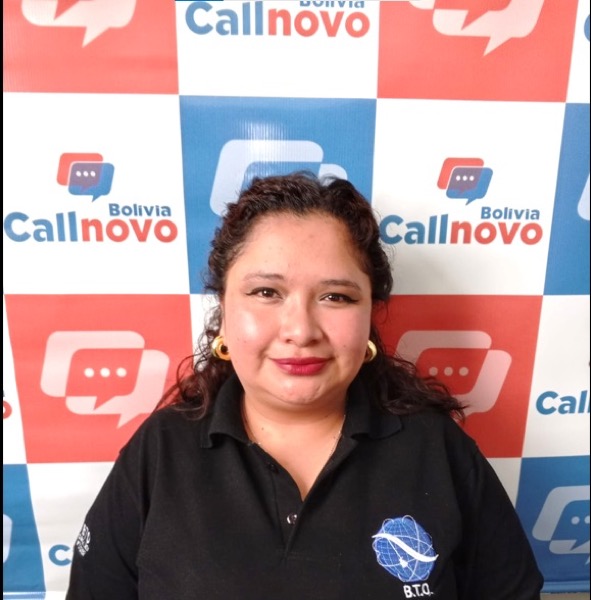
Callnovo agentCallnovo agentCallnovo agentCallnovo agentCallnovo agent real members of the global team

Patient and Device Support for HealthTech

  • Identity verification to your authentication rules
  • Device pairing, data sync and portal-access troubleshooting
  • Clinical and integration questions routed to your own teams

65+ Languages

  • Human agents providing support in 65+ languages
  • Real-time AI translation for rare language pairs
  • Cultural context training for every market we serve

Follow-the-Sun Coverage

  • Operation centres in Canada, Bolivia, Nicaragua, the Philippines and China
  • Smooth handoff between time zones with shared context
  • Holiday and weekend coverage without overtime costs

the part nobody prices in

Give product teams a reproducible support case

A patient who cannot pair a device needs a different support path from a clinic requesting an integration. For technical support outsourcing, define which product guides agents may use and which failures go directly to engineering. A useful issue record includes the product version, device model, time of the error and the approved troubleshooting steps already attempted.

Configure HeroDash fields for device model, app version and issue category. Cascading choices can distinguish pairing, portal access and integration requests; format checks can help capture product references consistently. When a case moves into a waiting-for-reply status, a configured trigger can tag it and email the assigned agent. The timeline records the notification, while the product team remains responsible for investigating the defect.

Ask for sanitized error messages and reproduction steps under your information-handling policy. An agent can confirm whether an upload or connection succeeded using the approved status source. Clinical interpretation belongs to the care team. Requests to change an integration or release medical records follow the authorized engineering or access-review process, with the confirmed response returned to the user.

what comes off the call

The product-support record

Agree the required information and access permissions during setup.

  • Permitted account or support reference and verified caller role
  • Device model, app version and relevant operating environment
  • Error time and sanitized message or reproduction steps
  • Troubleshooting completed under the current product guide
  • Engineering, account-access or clinical owner receiving the request
  • Confirmed finding, approved workaround and next user update

questions

What buyers ask before they sign.

How much does it cost?

AI voice is US$0.15 per minute and web chat is US$0.15 per session. Live agents start at US$650 per month including 1,500 minutes — about US$0.43 per minute — or from US$5.80 per hour for a dedicated agent working only your account. The minimum engagement is half a seat, not a five-seat block.

How fast can you start answering our phones?

Five days is our normal window to staff a live account — that is five days to find and place an agent who fits your business, not five days of software setup. AI voice can go live sooner because there is no hiring step.

Do you answer in Spanish?

Yes, on the same number, with agents in our Bolivia and Nicaragua operation centres — native Spanish, not machine translation. English and Spanish share one queue, and we cover 60+ more languages if you need them.

Can I mix AI and live agents on one number?

That is the normal setup. You decide which call types go to AI and which reach a person, and you can change the split as your volume changes. Nothing about that decision is locked in at signup.

What should a healthtech troubleshooting handoff contain?

Include the permitted account reference, device and app versions, error time and sanitized reproduction steps. Record which approved checks have already been completed so engineering can continue the investigation without asking the user to repeat them.

Can support interpret device readings or change an EHR integration?

Device readings go to the clinical team for interpretation. Integration changes go to the authorized engineering team. Scope the support team’s access and troubleshooting permissions during implementation, then document the approved handoff and customer response.

compliance

HIPAA-Aligned Support Operations

Every interaction with patient data follows healthcare privacy and security standards.

  • HIPAA Business Associate Agreement in place
  • PHI encrypted at rest and in transit
  • HIPAA-trained support agents
  • Audit trails for all patient data access
  • Minimum necessary access principle enforced
  • Annual HIPAA compliance training and assessment

start

Review your product-support handoffs

Share a pairing issue, portal-access request or integration enquiry and the guide your team uses to resolve it.